


Purging Model Views and Sheets in Revit
Applies to:
All Revit Products
Issue:
How do I purge Model Views and/or Sheets?
(for model sharing with consultants)
Solution:
1- Open Model –
2- File > Save As > Rename and Save Locally
(This will make an independent detached copy of cloud model)
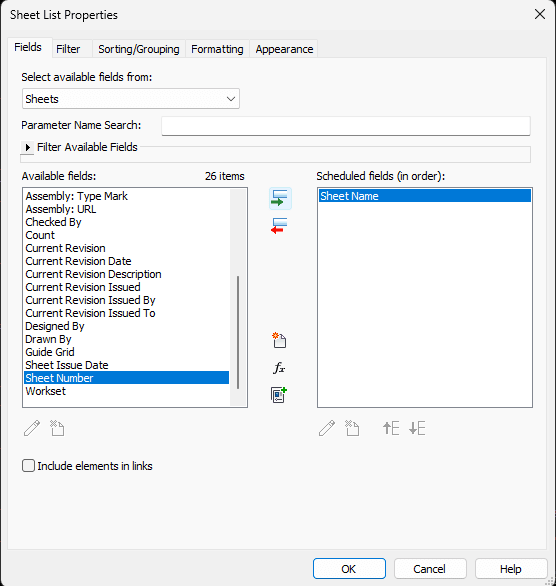
3.0- View > Schedules > Sheet List >
Add ‘Sheet Name’ to fields > OK
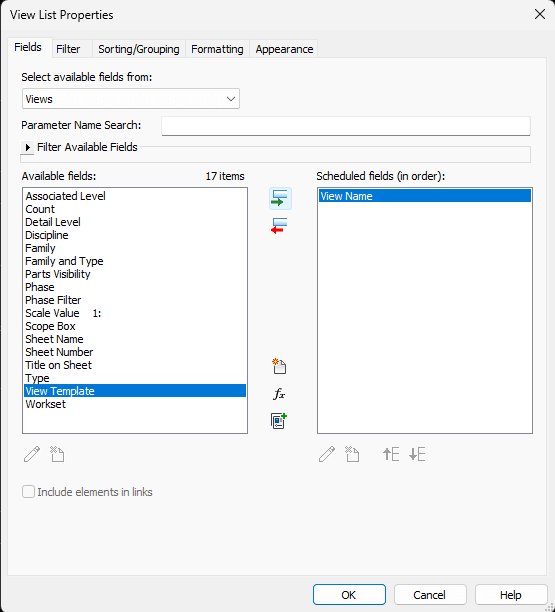
3.1- View > Schedules > View List >
Add ‘View Name’ to fields > OK
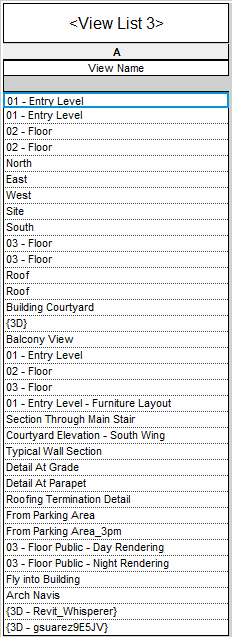
4- Select –
All desired View(s) and/or Sheet(s) from the Schedule.
5- Delete –
Read more here: Source link