


Visual Studio Code eating licenses | InterSystems Developer Community
Windows 10/Windows Server 2016:
I am currently monitoring our license use with a new rest-service I am implementing when I noticed my licenses on my instance being consumed and never released by Visual Studio Code.
For this I restarted my Instance, watched the licenses for a while, which remained at 1 during idle (I am guessing my MMGT Portal session uses 1)
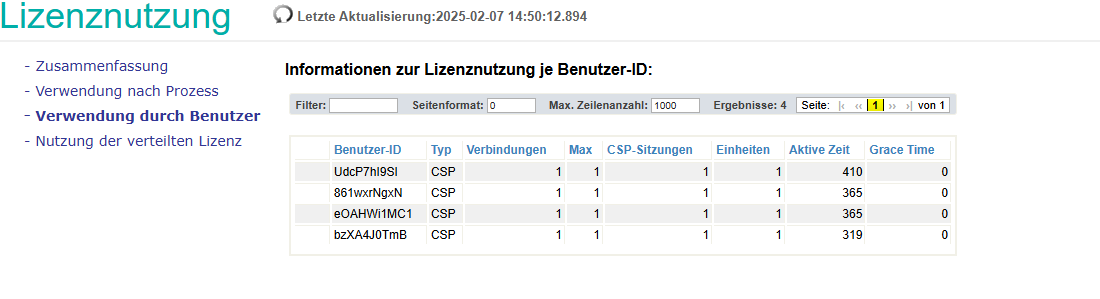
But when I connect to my Instance using Visual Studio Code (with my Instance setup in the extension already), suddenly 2 licenses are used. (I am guessing 1 for the “studio” and 1 for a terminal session, so far so good)
But then when I open any file in the project, another license is used.
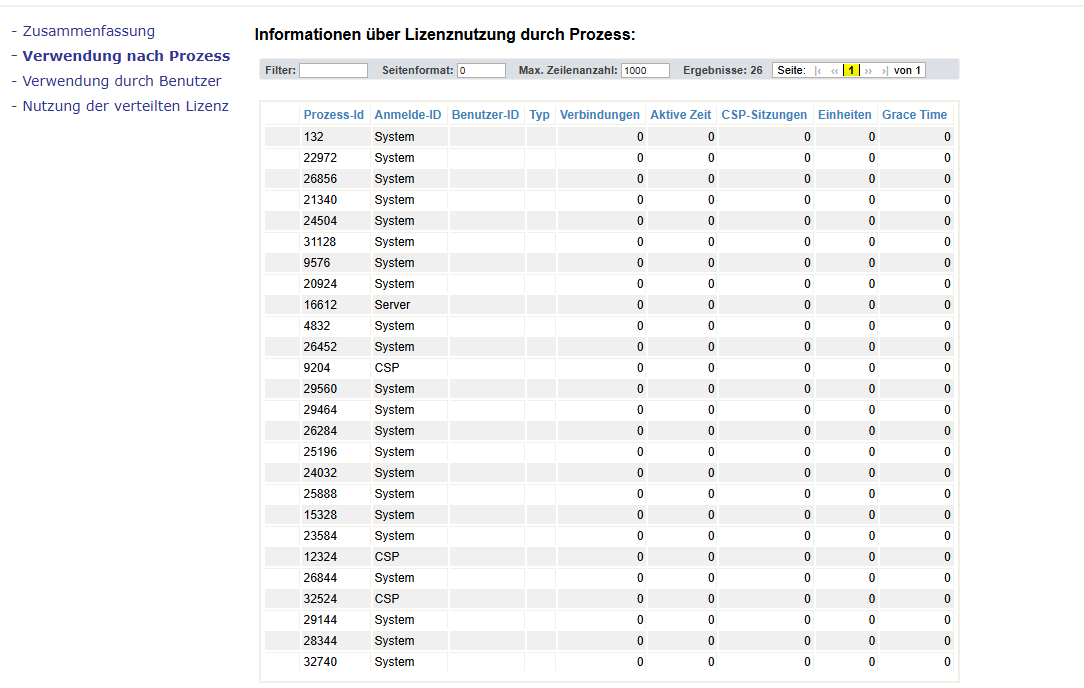
All of them have User-IDs and the “CSP” type. No Grace time and stay active.
So 3 licenses per active developer.
Now here’s the problem:
If I do that on a new machine, with a InterSystems IRIS 2024.2 Entree – Concurrent Users for x86-64 (Microsoft Windows):5, Natural Language Processing (NLP), Develop license
Even AFTER CLOSING VS Code, 2 of the 3 licenses are still in use. When I reopen VSCode, I get “service unavailable” because I ran out of licenses.
Is this normal behaviour? Do I need more than 5 licenses to program with 2 developers on a new machine?
Read more here: Source link